Almost every client conversation begins with a solution: “We need an app like…”, “We need a website with…”.
Our first job is to find the problem underneath. An app is a means; the goal is fewer mistakes, faster service, happier customers or less time on paperwork. Get that right and the software becomes much simpler — and much more valuable.
Here is the path we follow from idea to production.
Step 1 — Discovery
We ask questions until the problem is concrete:
- Who does this work today, and what slows them down?
- What goes wrong, and what does a mistake cost?
- Who needs to see what — and who must not?
- What does success look like three months after launch?
You receive: a short problem statement, user roles, must-have features, risks and open questions.
Step 2 — Prototype
Before writing production code, we design the key screens and make them clickable. You and your team try them with real tasks. It is cheap to change a prototype and expensive to change a finished system.
You receive: a clickable prototype of the main flows and a list of decisions made along the way.
Step 3 — Plan and proposal
Now we can estimate honestly. The proposal lists what is in scope, what is out, the milestones and how we will demo progress.
You receive: a fixed-scope proposal and timeline you can hold us to.
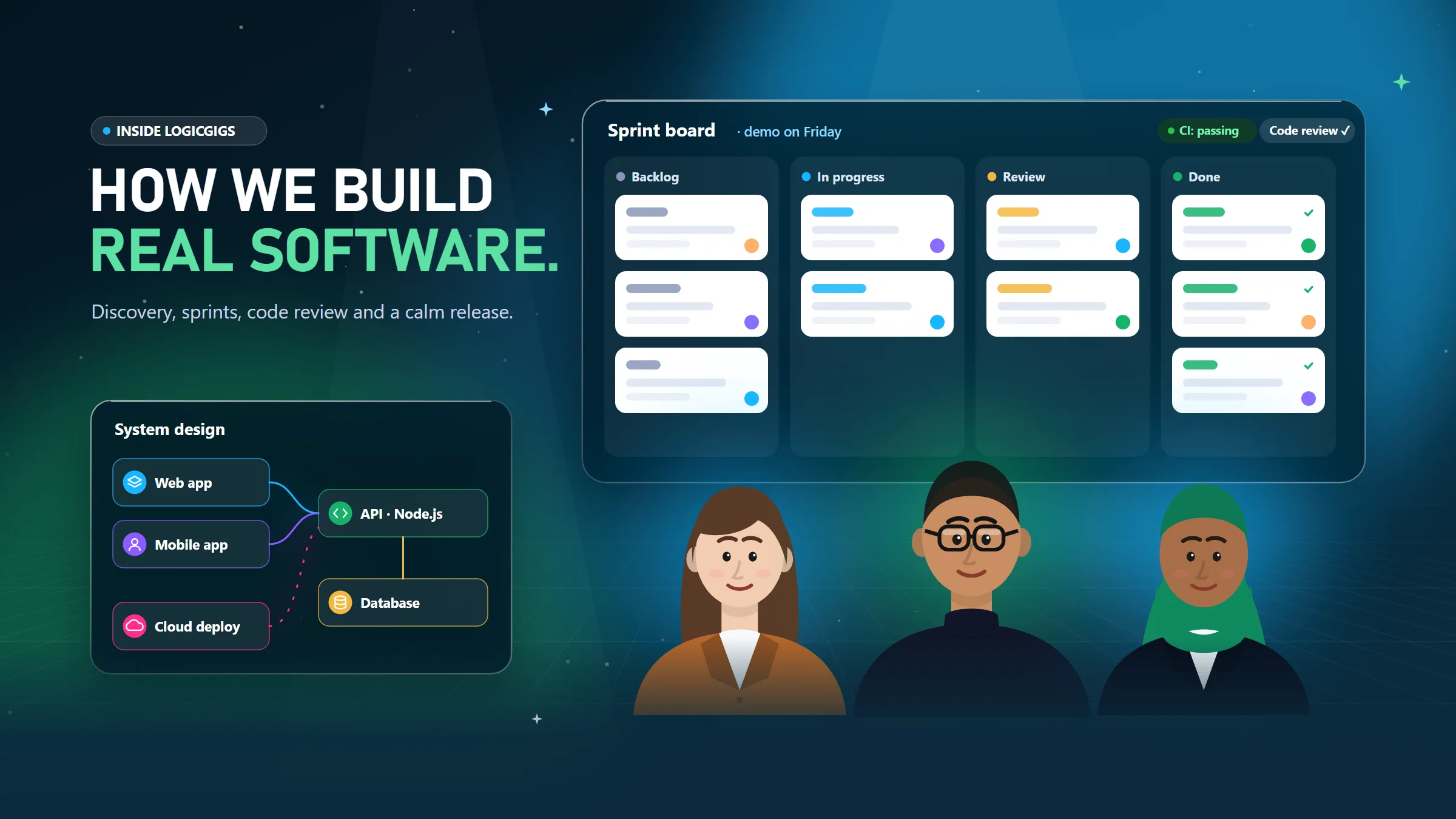
Step 4 — Build in short sprints
We build in short cycles and show working software regularly on a staging link — not slides. Code is reviewed before it is merged, and the risky parts get automated tests.
You receive: a demo at the end of every sprint and the chance to steer early.
Step 5 — Launch
Launch is planned, not hoped for:
- Existing data migrated and checked.
- Staff trained on the real system with real examples.
- Printing, devices and permissions tested on site.
- Backups and monitoring switched on.
- Handover notes written for the owner.
You receive: a working system in production and a team that knows how to use it.
Step 6 — Grow
After go-live, real usage shows what matters most. We fix issues quickly, then plan improvements with you: new reports, integrations, automation or AI features where they genuinely help.
You receive: ongoing support and a roadmap based on evidence, not guesses.
A worked example
A tailoring business came to us running on old desktop software. Orders lived in one place, measurements in another, and customers had to call to ask whether their clothes were ready.
- Discovery showed the real pain: finding the right measurement card quickly, and answering “is my order ready?” all day.
- The prototype put the customer, their measurements and their orders on one screen, with order status one tap away.
- The build added bills and receipts that print on A4 or an 80 mm receipt printer — each with a receipt number customers can use to track their order online.
- The launch included importing every legacy record so the shop lost nothing from its history.
The result is the Tailor Management System — built around how the shop already worked.
What we need from you
- One decision-maker who can say yes or no.
- Real samples — receipts, forms, spreadsheets, screenshots of the old system.
- Quick feedback on demos, so small corrections stay small.
Have an idea — or a problem that needs one? Book a discovery call. We'll tell you honestly whether software is the right answer.